
Class categories
How to access
1
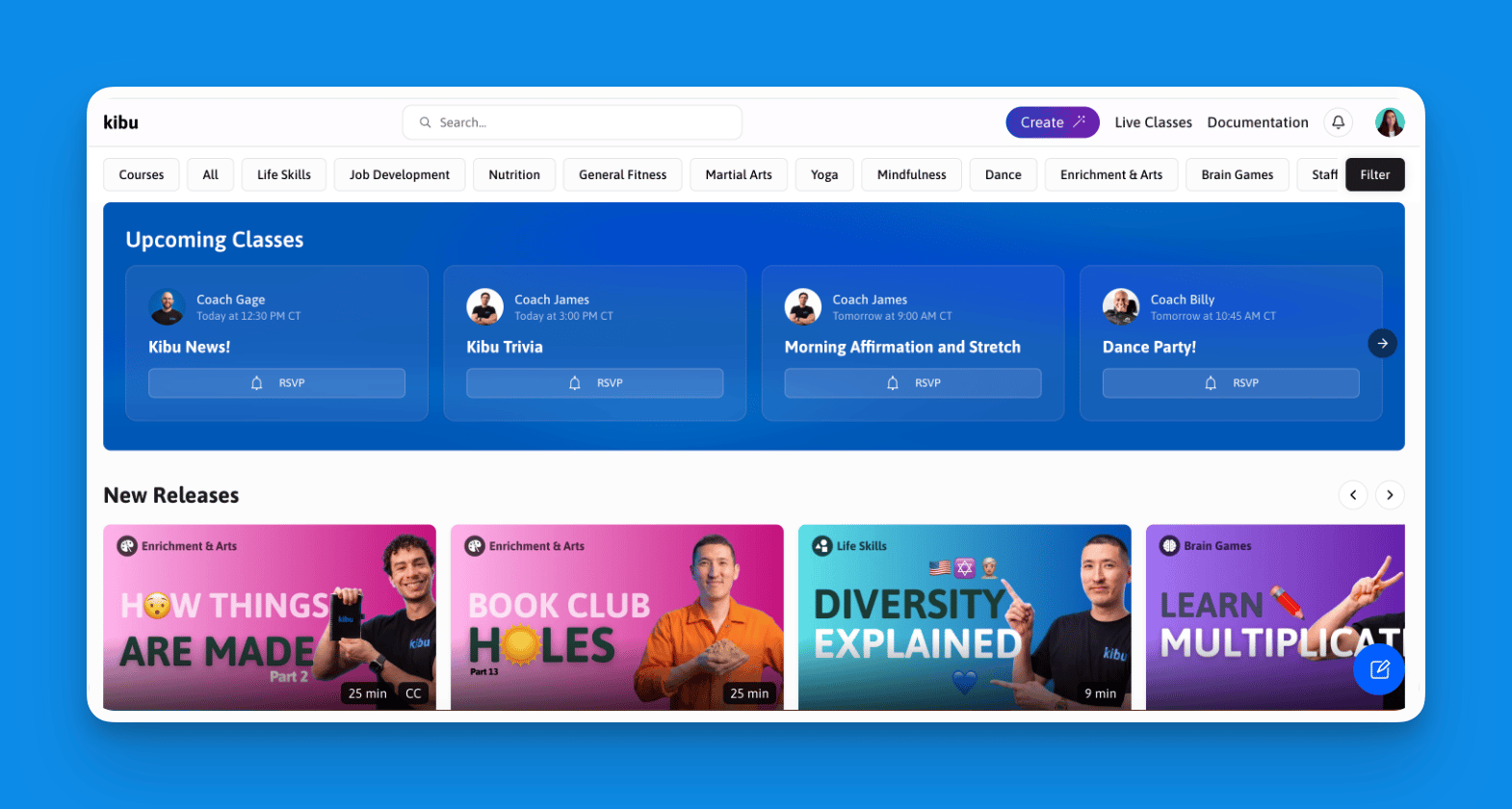
Navigate to the Classes tab
2
Browse or search
Browse by category or use the search function to find something specific.
3
Select a class
Click any class to see difficulty level, required materials, duration, and learning objectives.
4
Press play
Pause and replay any time. Go at whatever pace works for your group.
Courses
A course is a set of classes, in a set order, built around one skill or goal. Kibu’s content team picks the classes from across the library and puts them in order, so you can run a full program without planning one yourself.
Example courses include:
- Getting Your First Job
- Job Training
- Independent Living
- Cell Phone Skills
- Community Outings
1
Click Courses
On the content homepage, click Courses, the first button in the category bar at the top.
2
Choose a course
Click a course to see the skills or goals it supports and the full list of classes in order.
3
Click Start
Click Start to play the first class.
Lesson plans
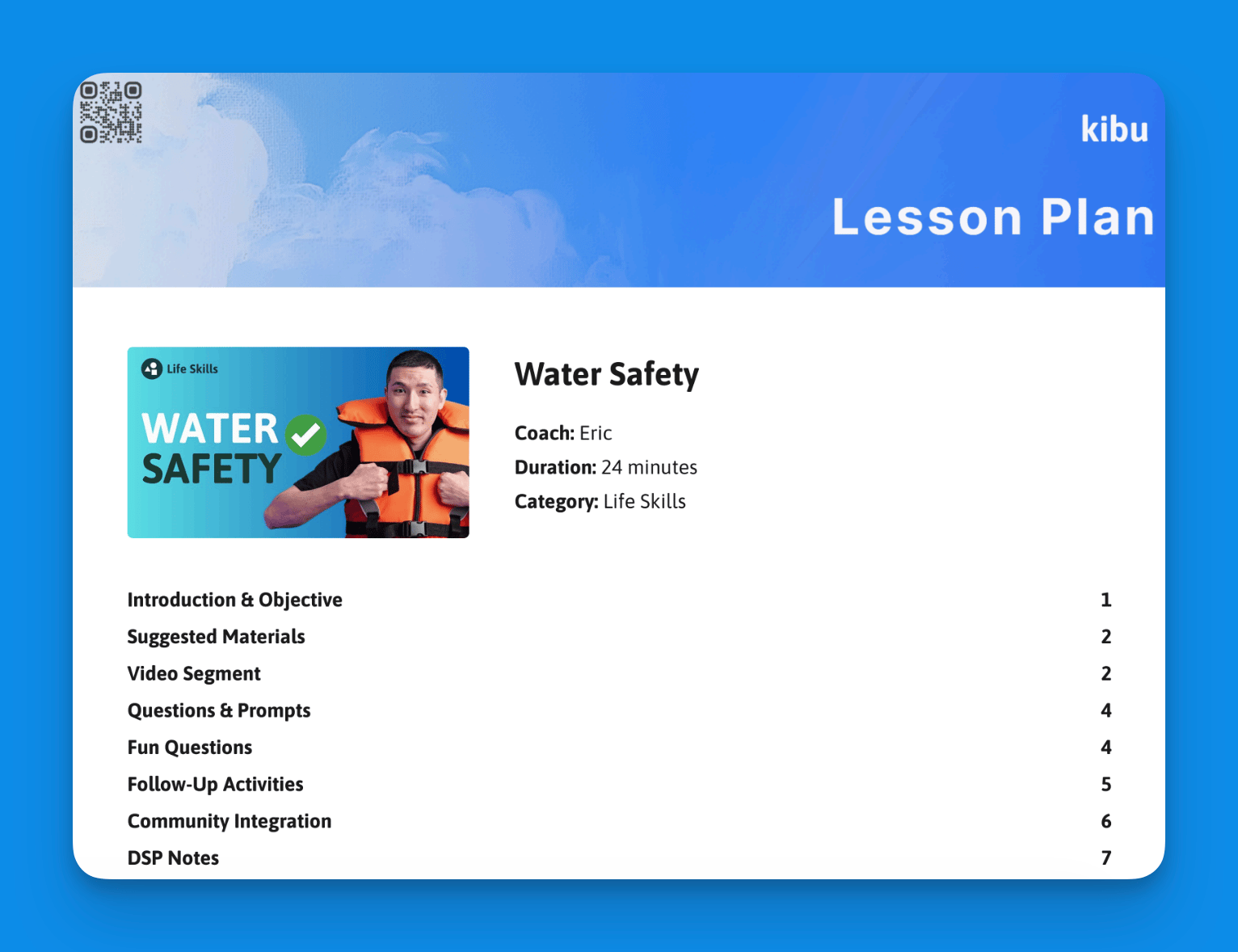
For classes with lesson plans, find the lesson plan button on each video card in the library or on the activity screen when a video is open. Lesson plans include a video breakdown, structured activities, discussion prompts, suggested materials, and a community integration.