

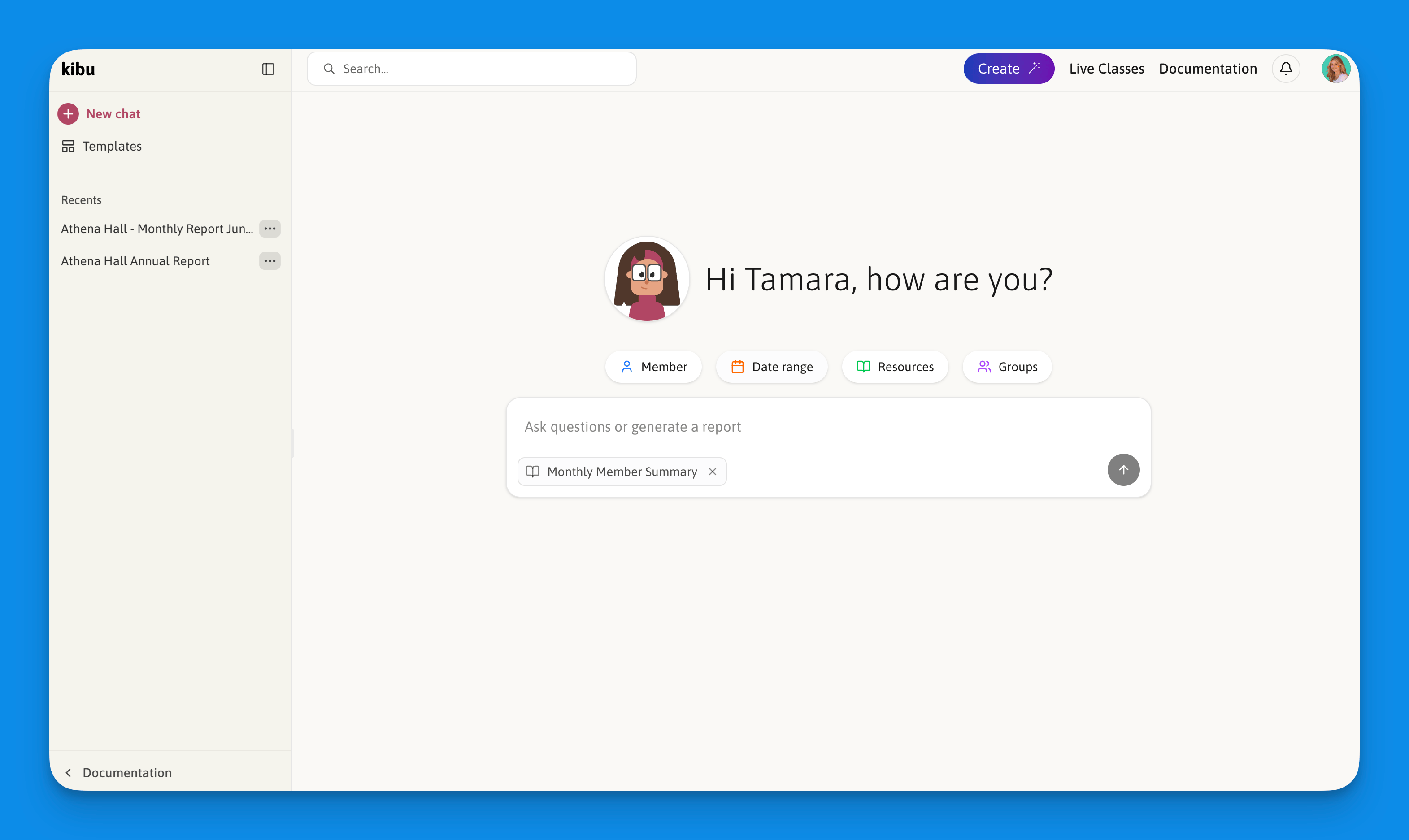
What is Clara?
Clara is Kibu’s AI assistant that helps you generate reports and analyze member data. You can find Clara in the bottom-left of the sidebar in the Documentation section. By analyzing your organization’s data, Clara can:- Create comprehensive written summaries and reports for any member
- Generate graphs to visualize trends over time
- Calculate numbers and totals from member data
- Dramatically reduce the time you spend on reporting from days to minutes
How to use Clara Narratives
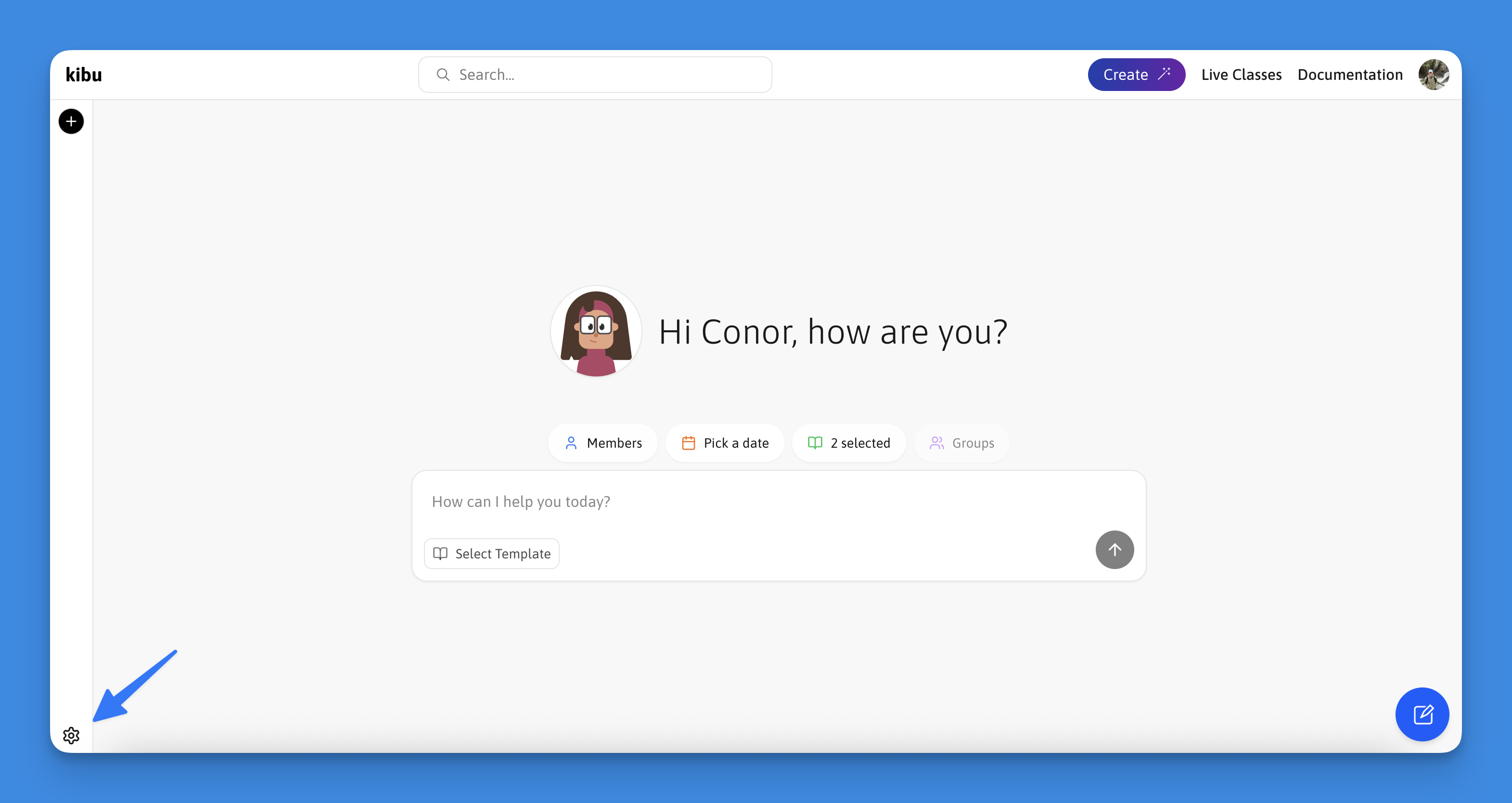
Select Your Parameters
- Member: Select the specific member you need a report for
- Time Range: Specify the period for data analysis
- Resources: Pick your data sources:
- Service Records
- Life Plan Tasks
- Or both
- Groups: Choose which groups’ data to include
- Template: Select your preferred report template from the available options
Default Templates
Default Templates
- Daily Life and Engagement Report
- Goal Progress Snapshot
- Monthly Member Summary
Custom Templates
Custom Templates
The Create Template screen in Clara showing custom template configuration options.
- Create new templates from scratch
- Specify custom formatting requirements
- Define specific data points to highlight
- Save templates for future use
Initialize Report Generation
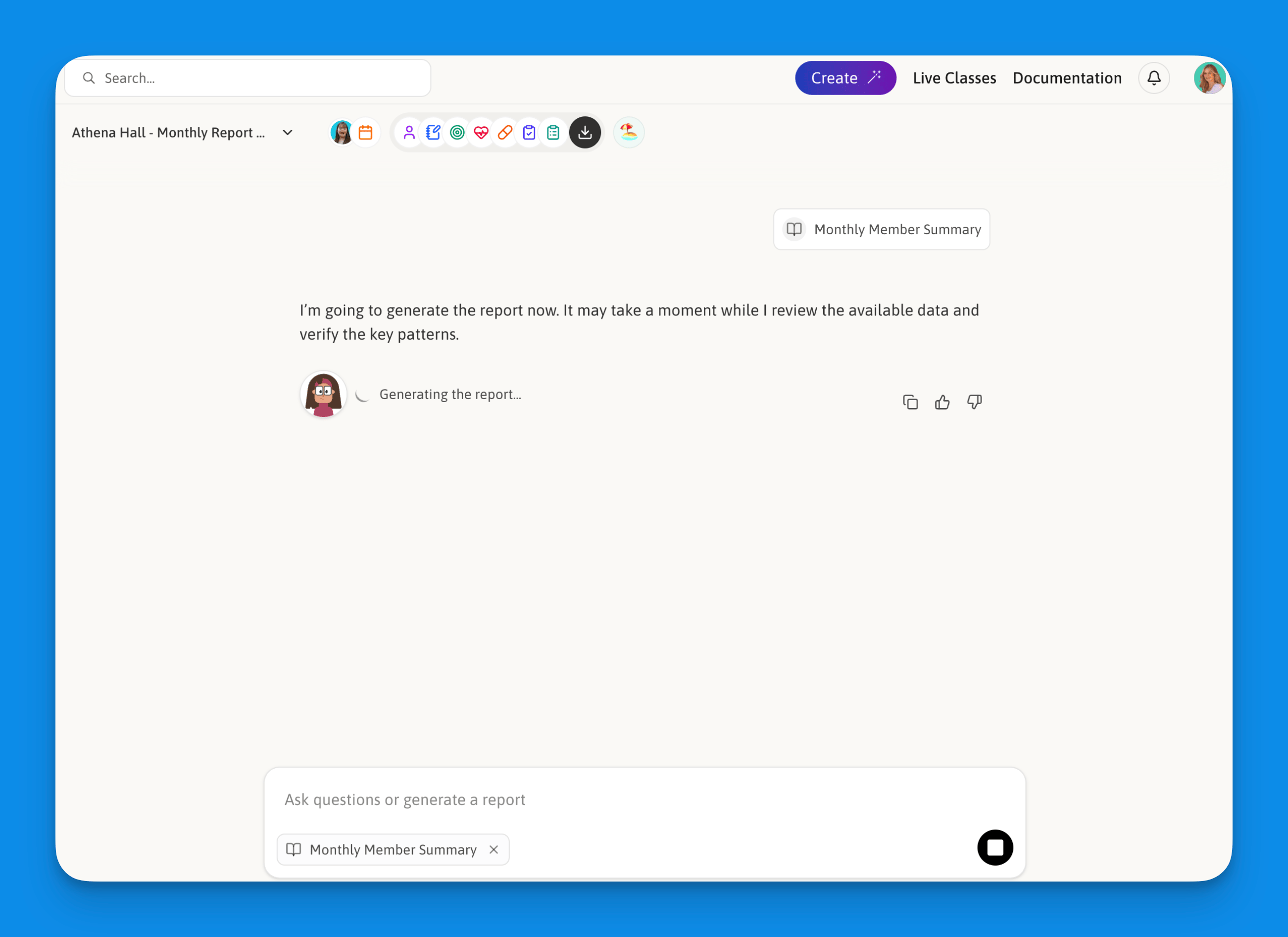
The Clara chat interface after clicking Let's Chat, where report generation begins.
Generating Reports
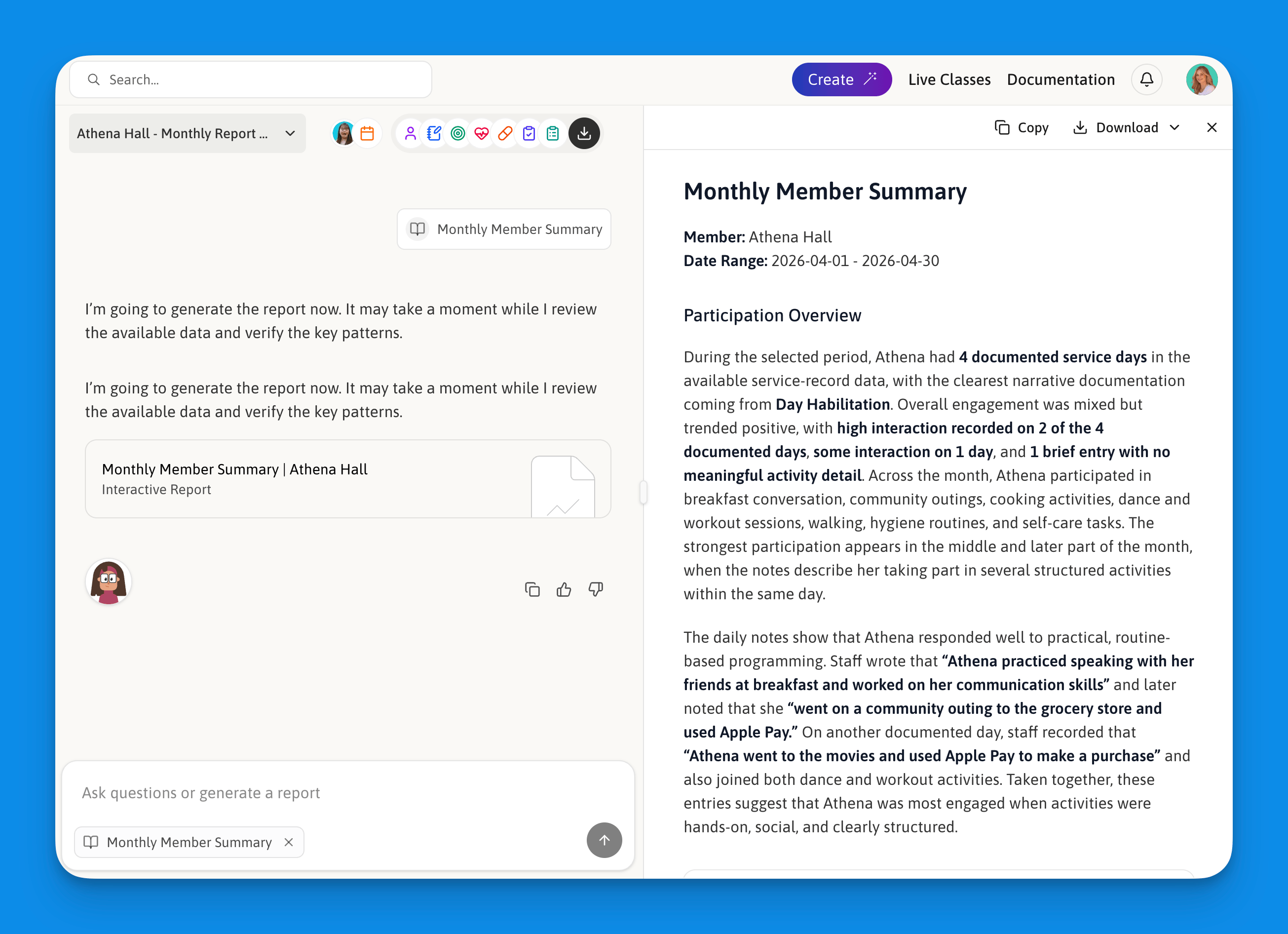
An Example of What a Monthly Member Report by Clara Looks Like
Step-by-Step Process
Select your member, groups, data sources, date range, and an optional template
Click "Let's Chat" to enter the chat interface
Clara will provide a summary of:
- Number of records analyzed
- Types of data included
- Date range covered
Clara will generate your report based on the selected template
Review and copy the report for your records
How to Create a Custom Template
Select "Create New Template"
Define your preferred:
- Report structure
- Section organization
- Data emphasis points
- Summary format
Once you have defined the structure of your template save changes
Your template will now be available any time you use Clara
Managing Report Templates
To view, create, or edit your organization’s report templates, open Clara and navigate to the template management section. From here you can:- Create a new template from scratch
- Edit an existing template
- Delete templates you no longer need
Report Features
Comprehensive Analysis
Customizable Format
Compliance Ready
Easy Export
Benefits
Time Savings
Time Savings
- Reduce monthly reporting time from days to under an hour
- Eliminate manual data compilation
- Instant access to organized information
Accuracy
Accuracy
- Consistent reporting format
- Comprehensive data analysis
- Reduced human error
Flexibility
Flexibility
- Custom templates for specific needs
- Multiple data source integration
- Adjustable time ranges
Best Practices
- Template Management: Review and update templates if compliance changes for your organization
- Data Verification: Always review generated reports for accuracy