

Note templates are managed by Kibu’s support team on your behalf. You cannot edit them directly in the app, but this page will help you understand what’s possible so you can come prepared when requesting changes.
To request a new template or make changes to an existing one, email support@kibu.com.
Where to Find Note Templates
Go to Settings and select the Note Template section to view your organization’s current templates. From here you can review what’s in place, print blank forms, and see how templates are structured, but edits must be requested through Kibu support.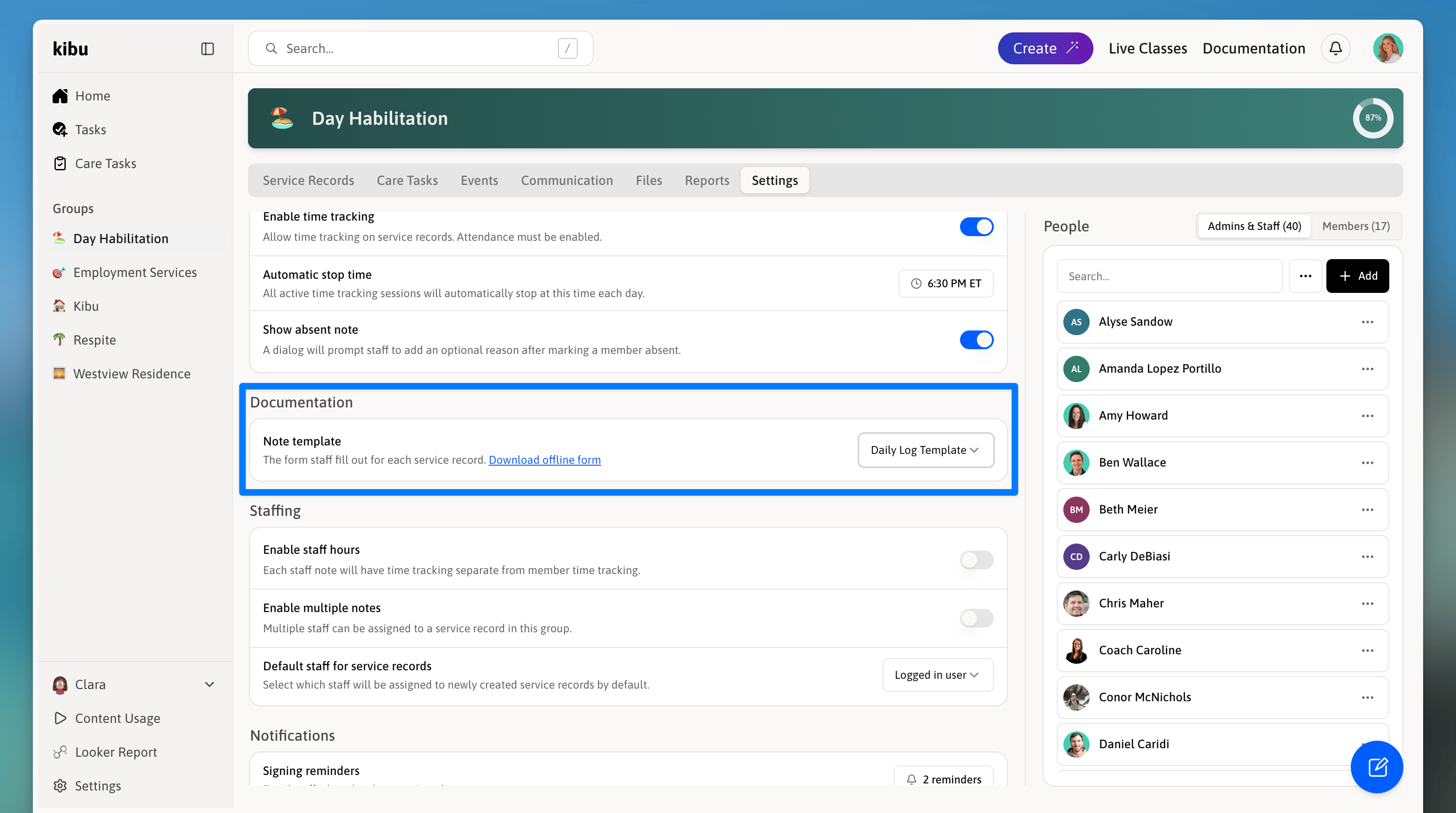
The Note Templates tab in Settings shows all active templates for your organization.
Planning Your Template
Before reaching out to support, it helps to know what question types are available and how they work. Use the sections below as a reference when deciding what you’d like your template to include.Question Types
When building a template, you can choose from these question formats:Yes/No
A simple binary question (e.g., “Did the member participate?”)
Single Select
Staff choose one answer from a list.
Multi Select
Staff can choose multiple answers.
Short Text
A brief written response.
Long Text
A detailed observation.
Number
A numeric entry (e.g., minutes of activity).
Date
A specific date.
Time
A specific time.
Date and Time
Both date and time in one field.
Time Range
A start time and end time captured together.
List
A repeating table of entries (see below).
Conditional Questions
Conditional questions only appear when a staff member selects a specific answer to a previous question. This keeps forms simple, staff only see the questions relevant to what they’re documenting. Example: If “Did the member participate?” is answered “No,” a follow-up asking for details won’t appear. If answered “Yes,” a text field asking for more information will automatically show up.List Questions and Table View
List-type questions can be entered in a table view, making it easy to add multiple rows of data in an organized format, which is useful for tracking repeated entries like meals or activities throughout the day.Template Versioning
When a template is updated, all past service records continue to show the version that was in use when they were originally completed. Your historical records always reflect the documentation requirements that were in place at the time.
Printing Blank Forms
If your organization needs to document on paper, for example, during a technology outage, you can print a blank version of any form template to fill out by hand. Data can be entered into the system later. To print a blank form:1
Navigate to the template in Settings → Note Templates
2
Select the "Download offline form" option