

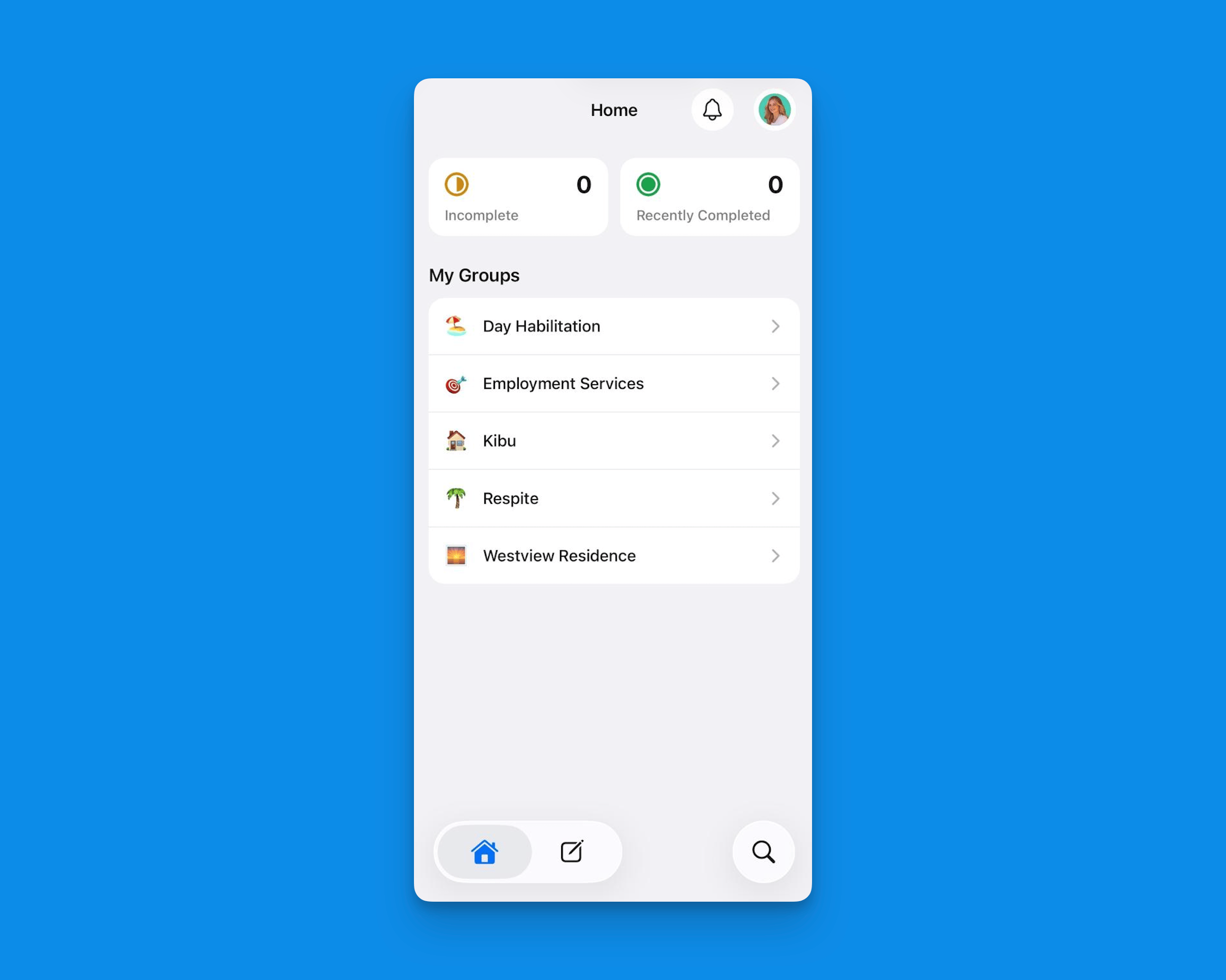
The Kibu mobile app home screen, your daily documentation hub on the go.
Key Features
Quick Notes on the Go
Quick Notes on the Go
Capture important observations and notes instantly, just like you would on the web platform. No need to wait until you’re back at a computer - document important moments as they happen.Quick Notes on mobile also supports:
- Image upload directly from your device
- Voice dictation via your keyboard’s speech-to-text
- Member tagging using @ mentions
Learn more about mobile quick notes here: Mobile Quick Notes.
Speech-to-Text & Multi-Language Support
Speech-to-Text & Multi-Language Support
Document in whatever language works best for you. The Kibu mobile app supports:
- Native keyboard speech-to-text in any language
- A built-in translation tool to convert notes to English after speaking in your native language
- Seamless translation for team collaboration across languages
Time Tracking
Time Tracking
The mobile app supports full time tracking for service delivery:
- Clock in and out for members automatically when attendance is marked
- Start, stop, pause, and resume time tracking within a service record
- Time data is used for billing accuracy and compliance reporting
Medication Tracking
Medication Tracking
Easily manage and track medications for the members you support:
- View medication schedules
- Record administration times
- Document any relevant notes or observations
Learn more about mobile medication tracking features here: Mobile Medication Tracking.
Service Records Management
Service Records Management
Handle your service records directly from your phone:
- Create new service records
- View incomplete service records
- Manage member attendance
- Sign and approve documents
- Submit documentation on the spot
Learn more about service records on mobile here: Mobile Service Records.
Life Plan Goal Tracking
Life Plan Goal Tracking
Track progress toward ISP and life plan goals directly within service records on mobile. Staff can log goal activity and outcomes in real time without needing to switch to a desktop.
Magic Pen
Magic Pen
Magic Pen is Kibu’s AI assistant, available directly within service records on mobile. It helps DSPs complete documentation faster and more accurately by:
- Automatically pulling relevant information from Quick Notes entered throughout the day
- Suggesting appropriate responses for service record fields
- Helping maintain consistency in documentation across your team
Learn more about Magic Pen in our Magic Pen guide.
What’s Available on Mobile
The mobile app covers the core DSP workflow. The table below outlines current feature availability:Member profiles are currently read-only on mobile. To edit member information, use the web platform at app.kibu.com.
Why Use the Mobile App?
We know that efficiency is crucial for DSPs, and our mobile app is specifically designed to:- Save you time on documentation
- Reduce end-of-shift paperwork
- Enable real-time attendance tracking
- Ensure accurate and timely record-keeping
- Provide easy access to important information
- Support you in delivering quality care
Important Notes
Kibu enforces a required update policy, staff must update the app before they can proceed. When an update is available, you will be prompted to install it. Make sure your device is set to allow app updates so your workflow is not interrupted.
Getting Started
Download the Kibu mobile app from your device’s app store:Download on the App Store
Download for iPhone and iPad.
Get it on Google Play
Download for Android devices.